
A local-first photo manager for the library you already have. Timeline, people, search, maps and memories. Every photo, face and place stays on your machine.


Tested with over 400,000 files (photos & videos).
- Free forever
- No account
- Works offline


Completely free
No trial. No paid tier. No 15 GB cap.
Fully private
Photos never leave the machine. No telemetry.
Your files stay put
Indexes folders you choose. Never takes ownership.
Built for big libraries
Jump to any date in hundreds of thousands of shots.
See it in motion
Watch the library come alive: timeline, search, people and places, all on your desk.
The Pixal platform
The browsing experience people already know from Google Photos, rebuilt so nothing has to leave home.
Search that stays home
Ask for “dog on a beach”, a person, a place, a camera, or text inside a photo. Every filter combines. Nothing is sent to rank it.


People, named once
Faces are detected and grouped on your machine. Name someone once and it applies to the whole library.


Places, offline
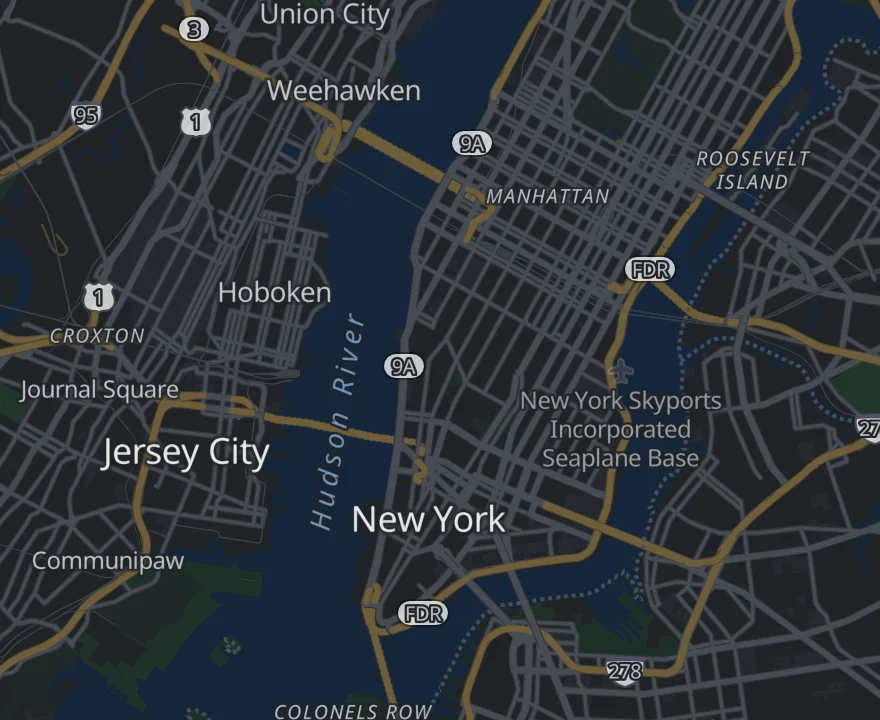
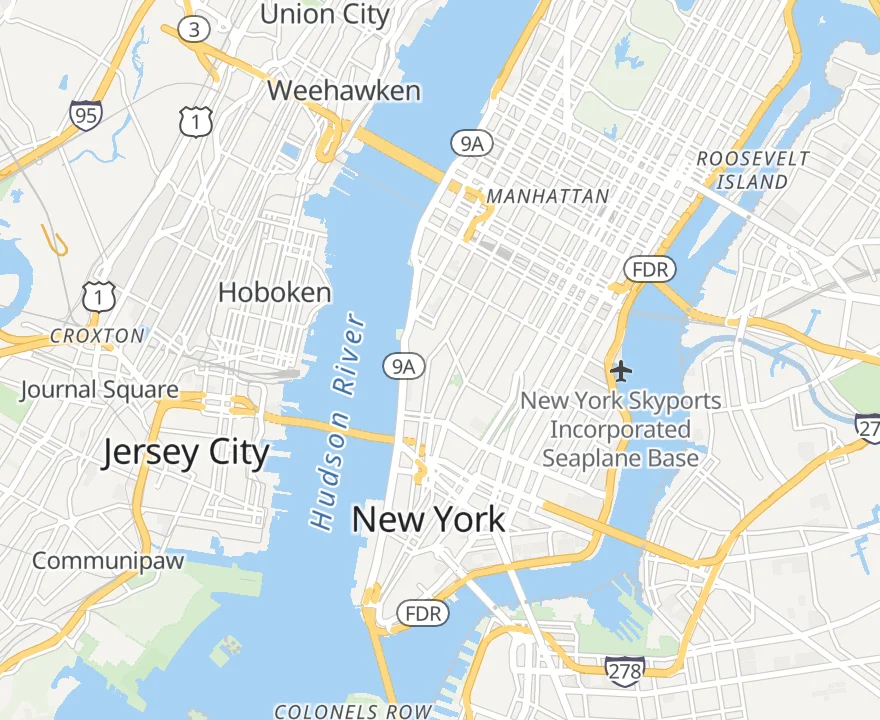
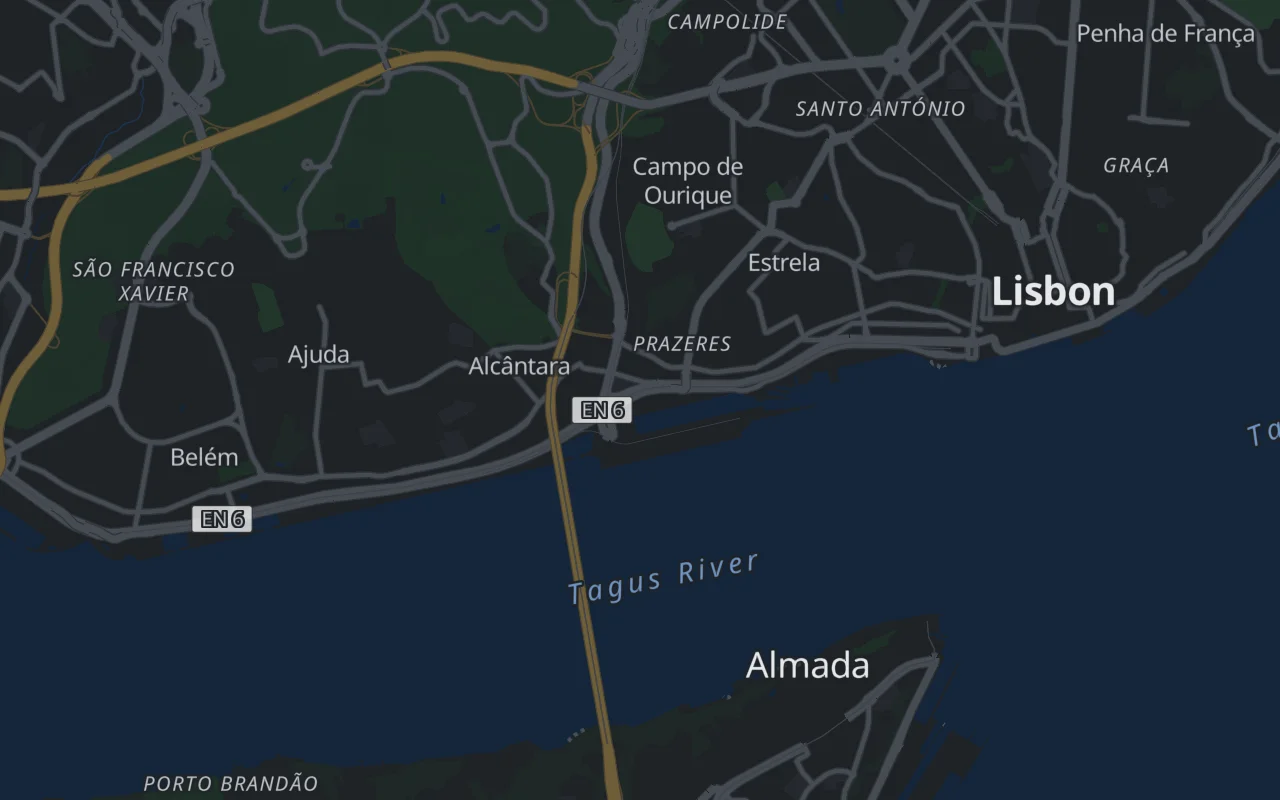
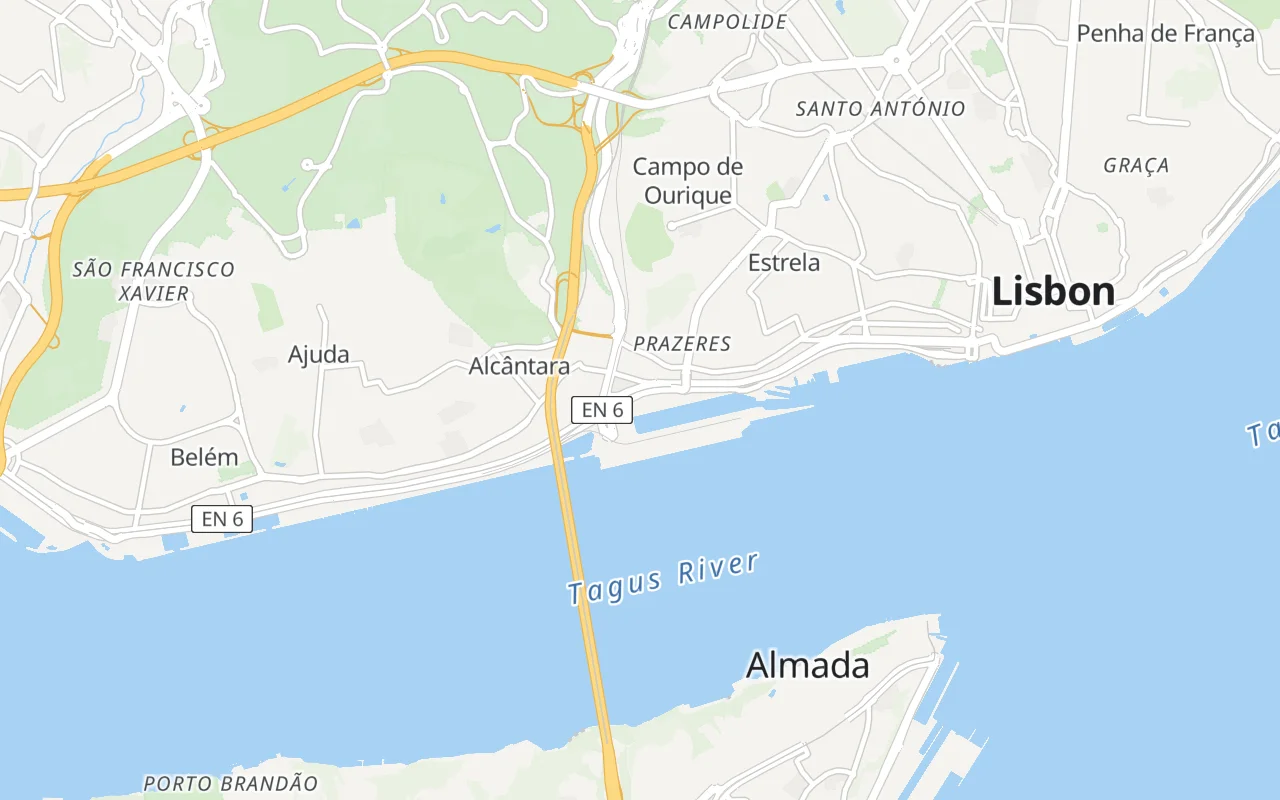
A map from the GPS in your files, or a bundled basemap that fetches nothing. Estimates are always marked.


Memories that play themselves
This day in earlier years, forgotten trips, seasons, people who recur. Each opens as a full screen story, computed locally.


01 / 03
Search made simple
Search any document, safely.
Turn on text reading and photos of receipts, passports, forms and notes become searchable by the words in them. It all happens on your computer, so your documents never leave it.


02 / 03
People
The faces you love, grouped without a server.
Face grouping runs on your computer. Name someone once and search finds them forever after. It can be switched off.


03 / 03
Places
A map of your life that never phones home.
Pins from the GPS in each file, and careful estimates when a shot lost its coordinates, always marked as estimates. Online tiles are a setting you can turn off.


Memories
Seven kinds of story, all computed locally, then played full screen when you want them, not when a feed decides.
Memory
This day, four years ago
The same date, earlier lives.
Memory
A season you forgot
Summer 2019, resurfaced.
Memory
The trip that returns
Near its anniversary, every year.
Organised, quietly
Spend time looking, not filing. Nothing is deleted automatically, and Pixal is not a backup, and it says so.
Albums you make, and ones it notices
Keep a suggestion or dismiss it for good. Covers, order and membership are yours.
Duplicates, for you to judge
Perceptual hashes catch identical and nearly identical shots. You decide what stays.
Edits that never touch the original
Crop, rotate, adjustments and filters, all nondestructive. Export a copy when you want one.
A private home for your memories
These are enforced properties, not aspirations. The local service binds to 127.0.0.1 only. There is no signup because there is nothing to sign up for.
Never uploaded
Not in any mode, for any feature. Faces, embeddings, GPS and search queries stay on disk.
No telemetry
No analytics SDK. No crash reporter. Errors go to a local log file, and nowhere else.
Loopback only
The processing service listens on localhost, behind a token that changes every launch. Other software can’t reach your library.
Originals untouched
Never moved, renamed or written to. Disk writes happen only when you export or empty the trash.
One plan
No member seats. No storage upgrade. No watermark. Pixal is MIT licensed software that runs on hardware you already own.
How it works
Step 01
Download Pixal
Windows first; macOS is on the way. Run the setup wizard. No account, email or licence key.
Step 02
Point it at a folder
Tiles appear in seconds. Indexing fills in the rest while you browse.
Step 03
Search, name, relive
Optional models for language search and reading text in photos install from a button, with size and licence shown first.
Frequently asked
Start using Pixal
Download for Windows. Keep every memory local. Pay nothing, now or later.
Tested with over 400,000 files (photos & videos).